The First Nesting That Learns From Your Work
Reduce material waste by 20-40% with AI-powered optimization. Auto-recognize DXF geometries, compare nesting strategies with AI guidance, and export directly for CNC, laser, or plasma workflows.
Built for Production Workflows
Every feature designed to save time and material in real manufacturing environments.
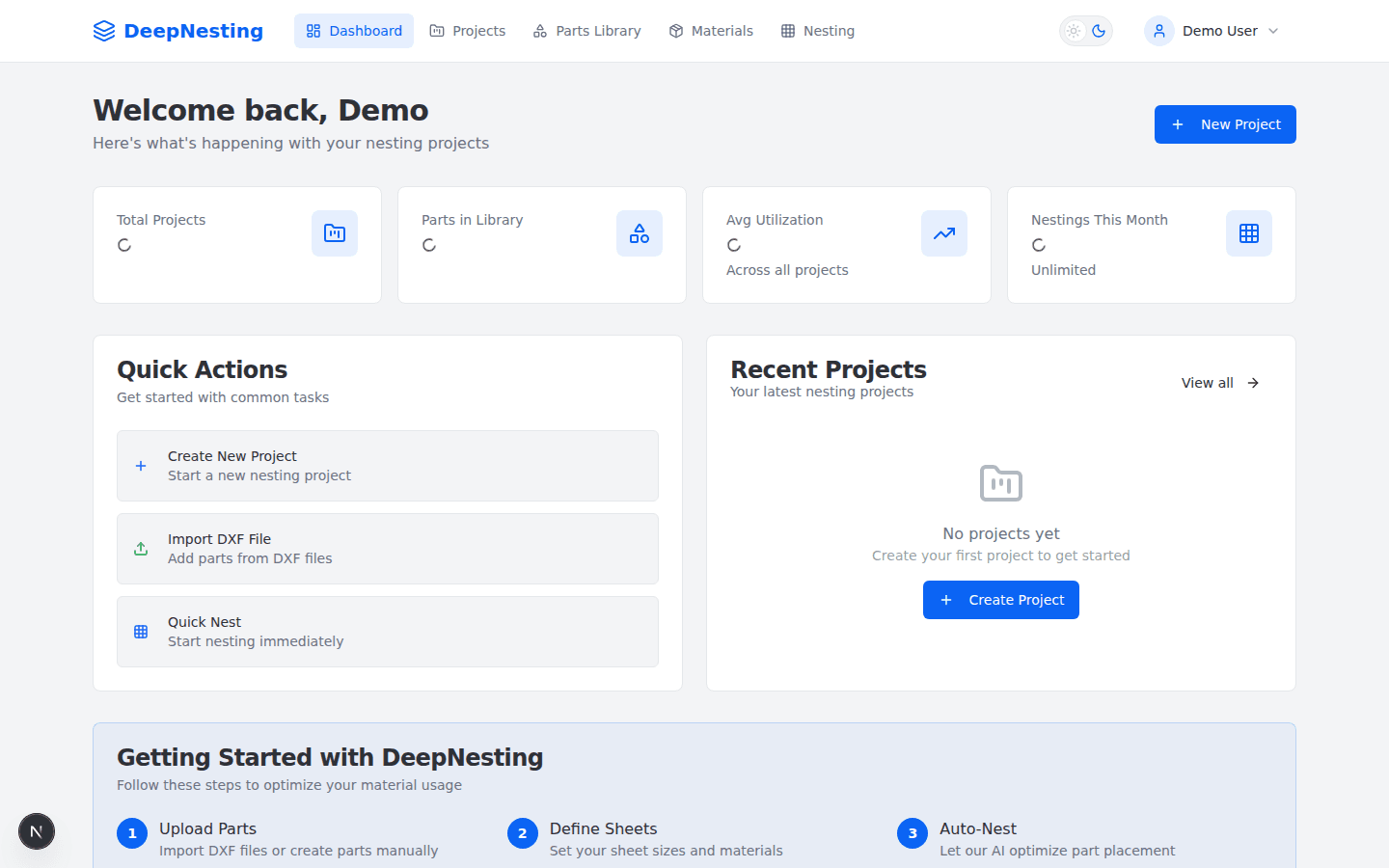
Powerful Dashboard
Get a bird's-eye view of your projects, material utilization, and quick actions — all in one place.
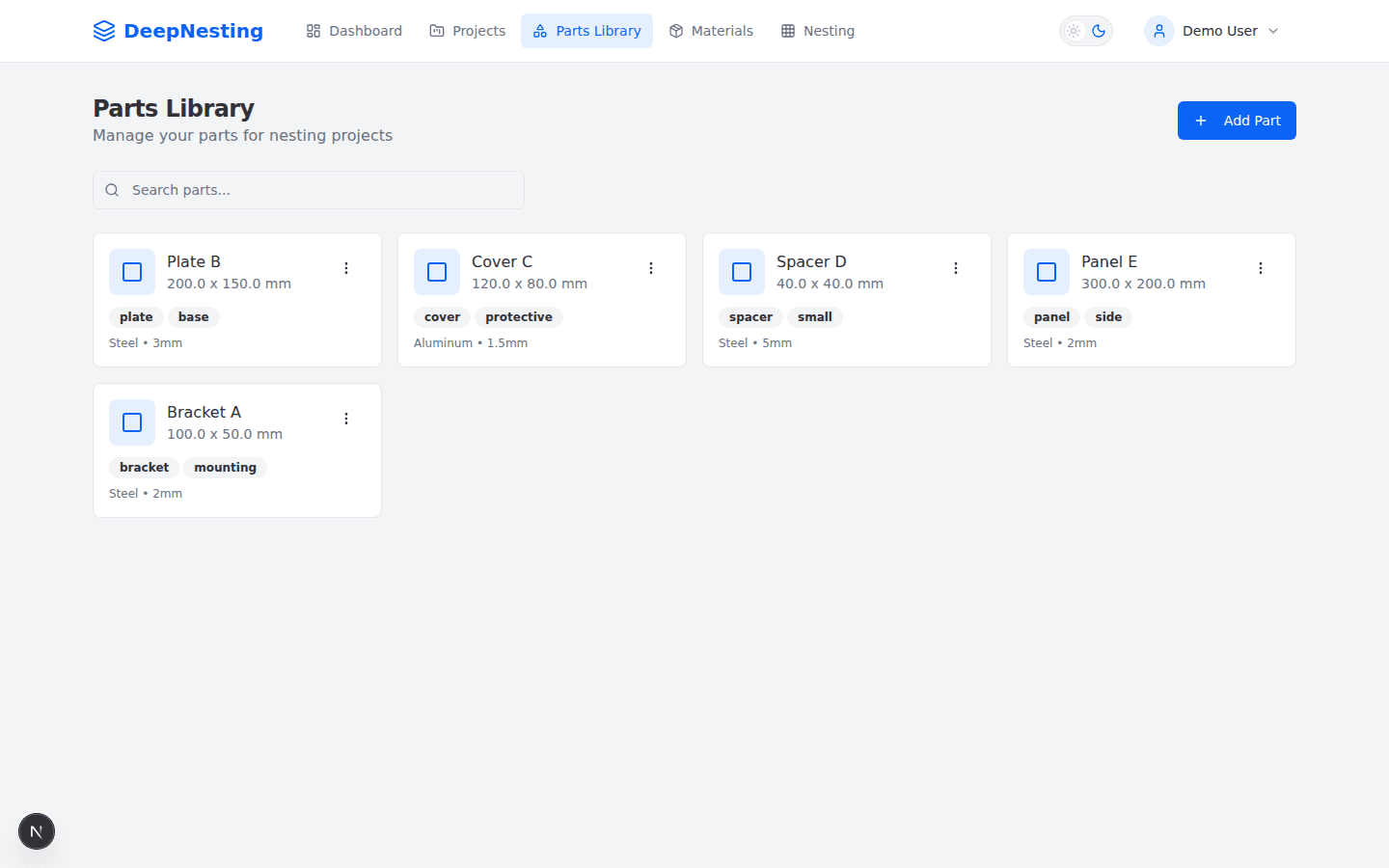
Parts Library
Organize and manage your parts with dimensions, materials, and tags. Import from DXF or create manually.
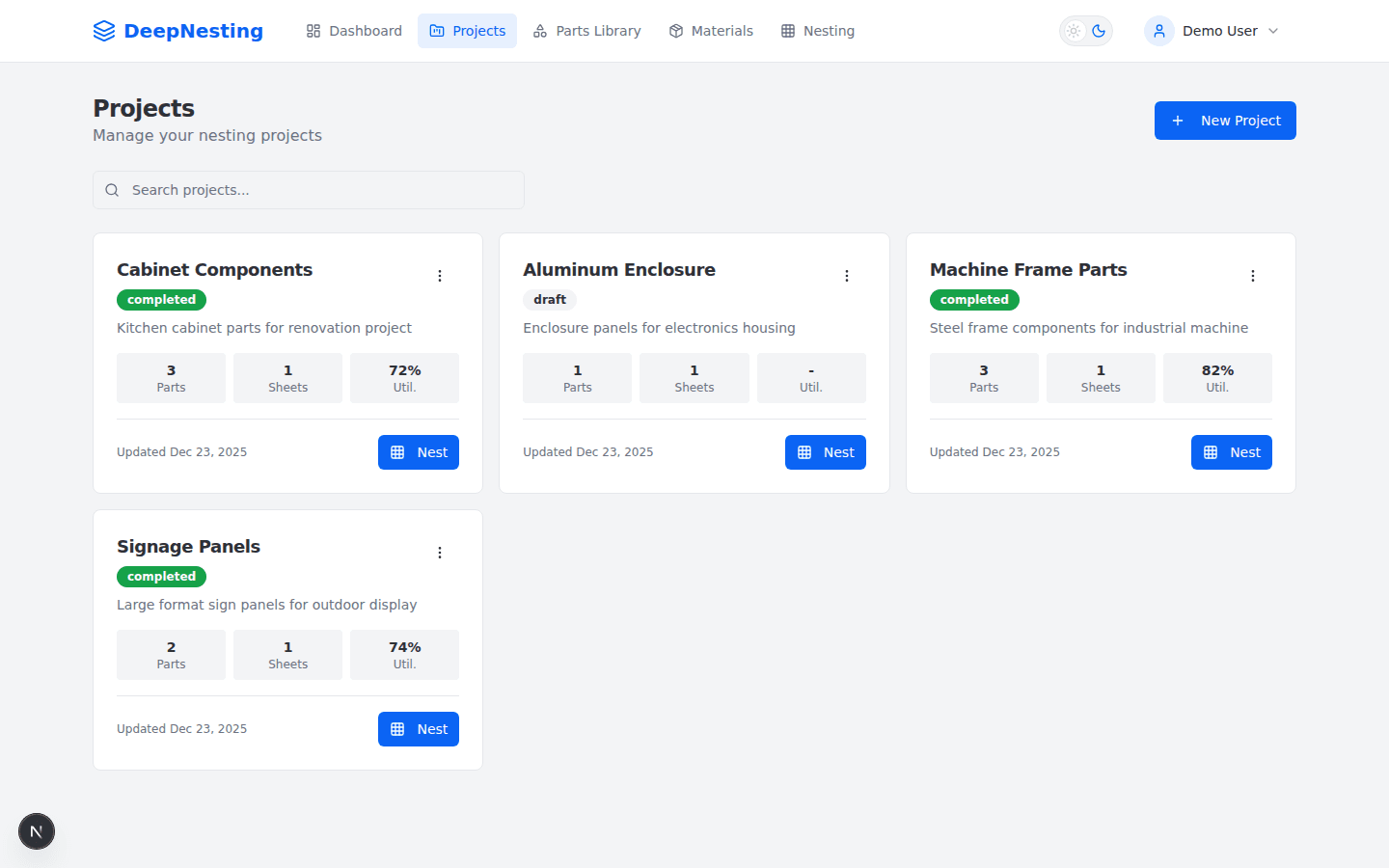
Project Management
Track nesting projects with real-time progress, utilization stats, and one-click optimization.
AI Features That Set Us Apart
No other nesting tool uses real AI. DeepNesting learns, adapts, and gets smarter with every cut.
Smart DXF Recognition
AI analyzes uploaded DXF geometry, classifies part types, and flags issues before cutting.
AI Strategy Recommendation
The optimizer recommends the best nesting strategy and compares outcomes across algorithms.
Interactive Nesting Canvas
Adjust placements manually with drag/rotate controls, undo/redo, and collision feedback.
Multi-Format Export
Export optimized layouts to DXF, SVG, PDF, and G-Code for production workflows.
Project Collaboration
Share projects with viewer/editor/admin roles and track run history per project.
Cloud-Native
No installation required. Access from anywhere, always up-to-date, with modern UX.
How it works
Get from DXF to CNC-ready output in four simple steps
Upload Parts
Import DXF files, draw shapes manually, or select from your parts library.
Define Sheets
Set your sheet sizes, material types, and cutting parameters.
Auto-Nest
Click the nest button and let our AI optimize part placement automatically.
Export & Cut
Export your optimized layout to DXF and send it to your CNC machine.
20-40%
Less Waste
AI
Strategy Assistant
Cloud
No Install
Frequently asked questions
Everything you need to know about DeepNesting